API Token Management
tip
- Both Admins and Developers can create tokens.
- Admins can access and manage all tokens
- Developers can access and manage only their own tokens
Create an API Token
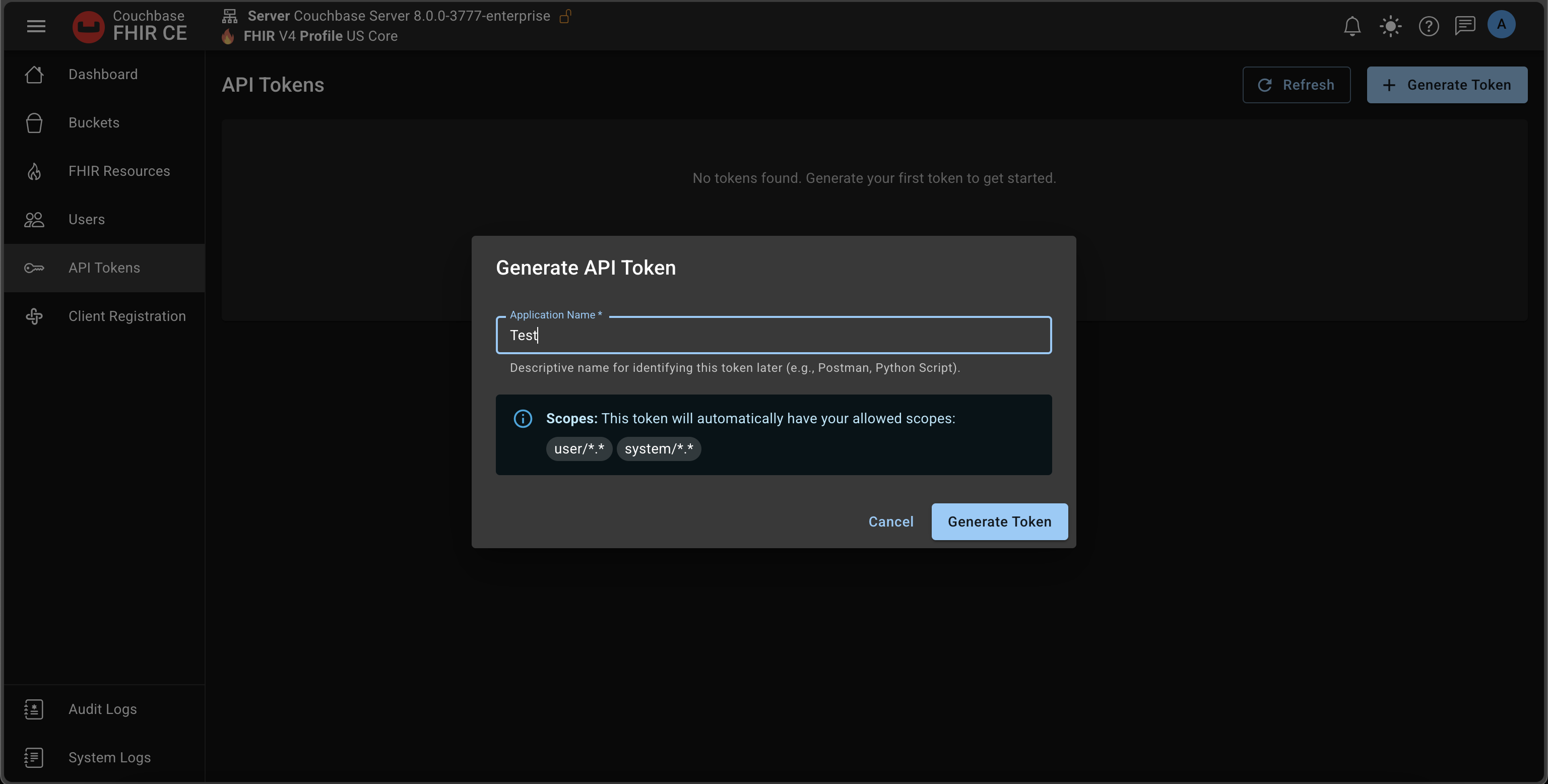
- Application name: display-only label for your reference
- Scopes: auto-assigned based on your role
- Admin →
user/*.*,system/*.* - Developer →
user/*.*
- Admin →
- Expiration: None
View the Token
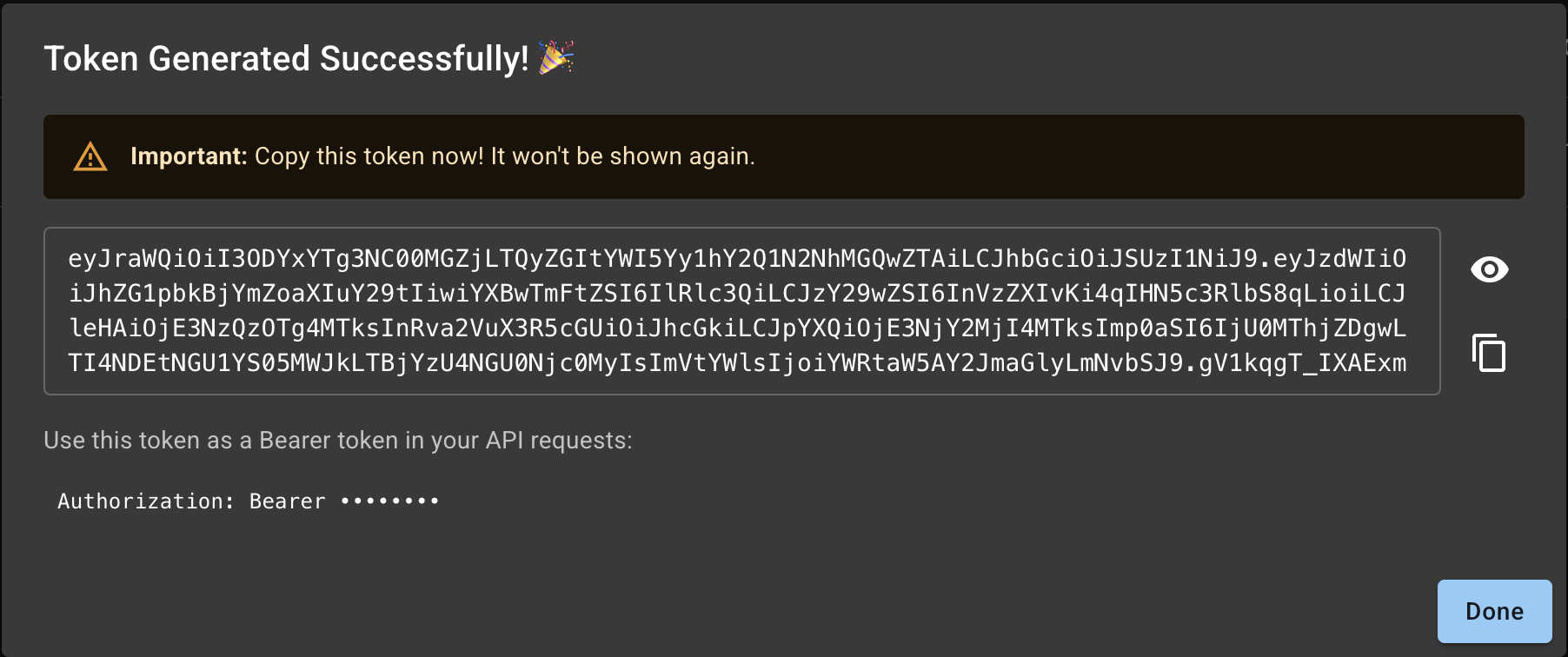
Copy!
Copy the Token since it will not be displayed again
Managing Tokens
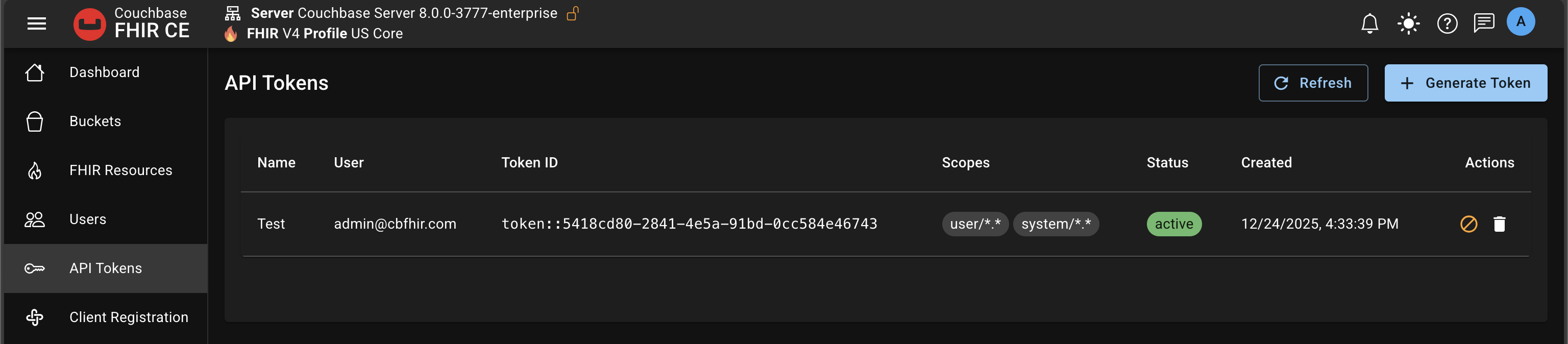
- Revoke or permanently delete tokens at any time
- Create multiple tokens per user as needed
- Rotate tokens regularly; revoke old ones
Use the Token
Example: list Patients
curl -H "Authorization: Bearer <token>" \
     -H "Accept: application/fhir+json" \
     https://your-domain/fhir/Patient?_count=10
Tips
- Store tokens securely; treat them like passwords
- Prefer short-lived tokens and regular rotation
- If a token is exposed, revoke it immediately
Related
- Overview: OAuth Overview
- Users & Roles: User Management